
Audiovisual production course
A broadcast is only as good as the crew behind it.
guiderepo is a practical UK course resource covering broadcast studio design, camera control, lighting, sound and live workflows for television networks and events.
Free course syllabus by email. No payment details needed.
- Lesson hours
- 120+
- Practical labs
- 48
- UK learners
- 3,500
- Learner rating
- 4.8/5
Audiovisual production excellence
What we are building
Great television is engineered long before the red light comes on. guiderepo gathers the studio design principles, camera control methods, lighting plans and audio practice that UK broadcasters rely on every day.
We turn that knowledge into structured lessons and hands-on labs, so you can plan a gallery, balance a rig, mix a live programme and run a show with a calm, repeatable workflow.
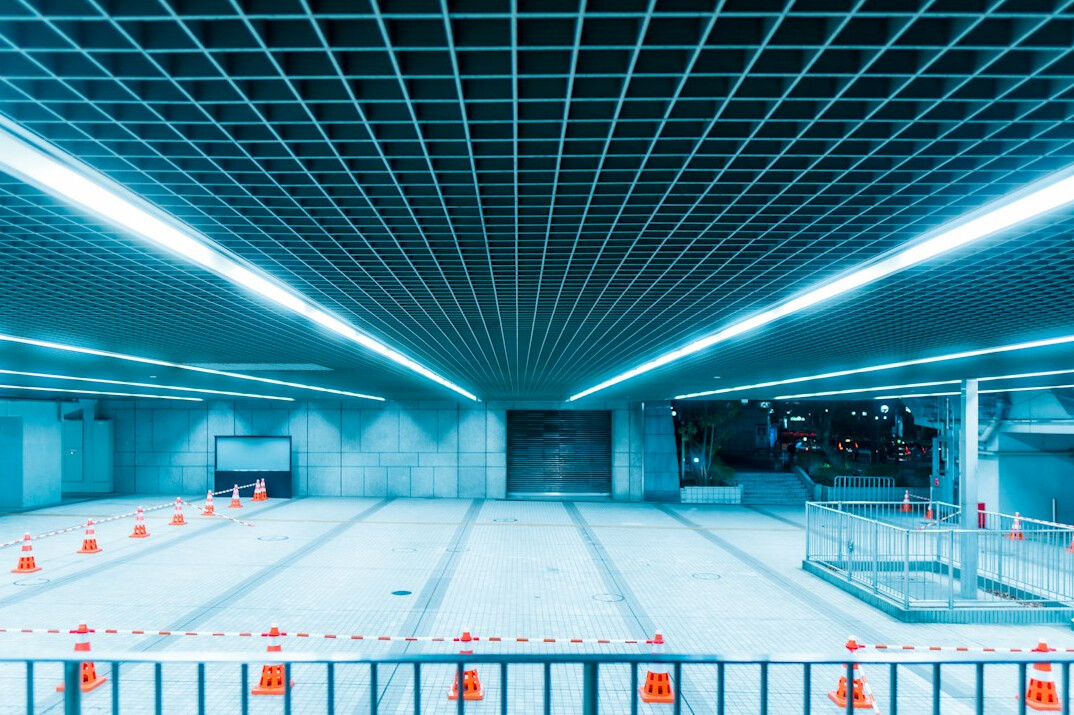
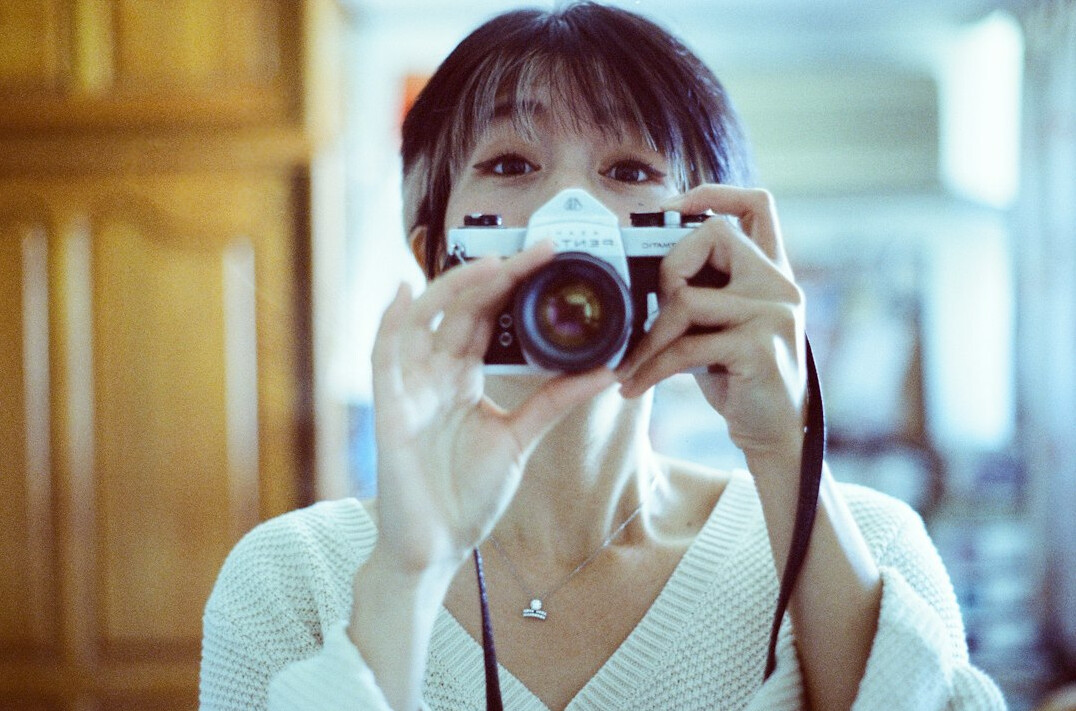
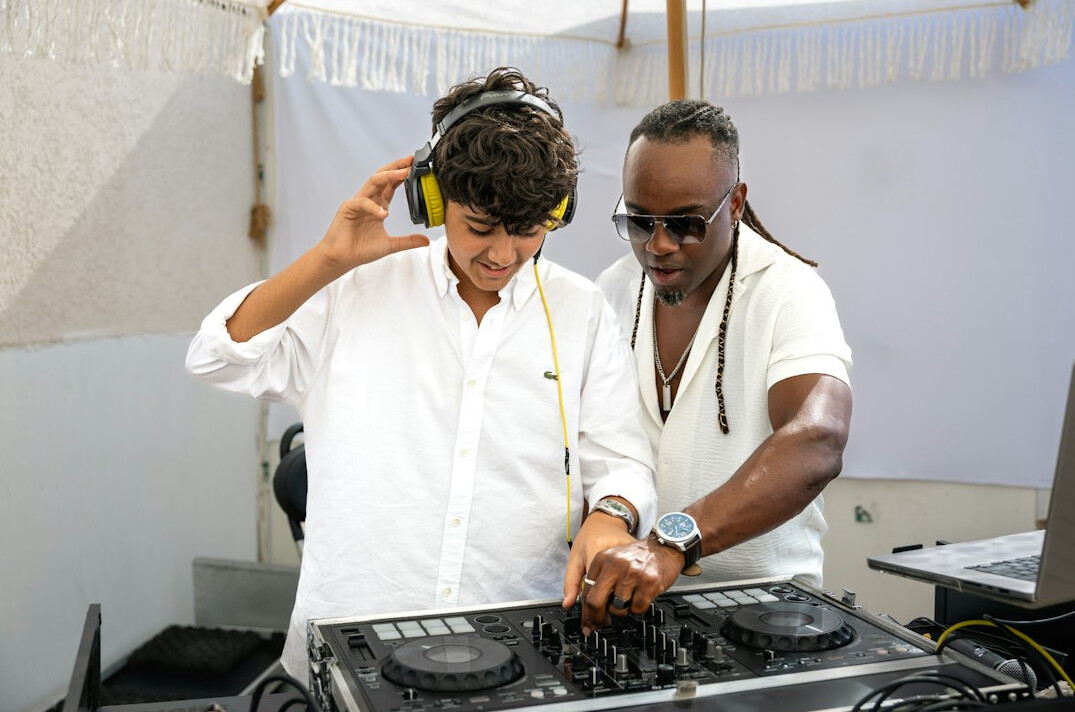
What you will learn
Six skill areas that keep a live show on air.
Studio floor plans, acoustics and gallery layouts
Shading, CCU operation and robotic camera heads
Key, fill and colour temperature for broadcast
Mixing, comms and live audio routing
Rundowns, talkback and cue discipline
Course certificate and tutor feedback
Open programmes
Broadcast Studio Design Foundations
Studio designOnline, 6 weeks£480£640-25%
Camera Control Systems
CamerasOnline, 5 weeks£620£780-21%
Professional Lighting Arrangements
LightingOnline, 5 weeks£540£720-25%
Sound Engineering for Live Television
SoundOnline, 6 weeks£590£790-25%
Not sure which programme fits your team? Email info@dramabydesign.com and a tutor will help you choose.
Ask a tutor
From first rehearsal to transmission
- 1
Plan the space
Map the studio, gallery and cable routes before a single stand is placed.
- 2
Light and frame
Build the look with a clear lighting plot and matched camera positions.
- 3
Balance the sound
Set microphone plans, gain structure and comms so every voice is clean.
- 4
Run the show
Follow a rundown with calm talkback and repeatable cue discipline.
- Programmes
- 6
- UK studio case studies
- 35+
- Course access
- 24/7
- Bundle saving
- 30%
Subscribe
Get monthly lighting plots, rack diagrams and workflow checklists in your inbox. Join the community of UK studio crews who are sharpening their craft.
Key takeaways
Three-point lighting for a two-person desk set
Frequently Asked Questions
Everything you need to know before you choose a programme and book your place.
Who is the course for?
Studio crew, aspiring directors, technical operators and events teams at UK broadcasters and production companies.
Do I need prior experience?
No. The foundations modules start from the basics, and advanced labs are clearly marked in every programme.
How is the course delivered?
Online lessons with downloadable plans and lab files, plus scheduled live review sessions with our tutors.
Can my network book team training?
Yes. Send us your headcount and goals and we will build a tailored plan for your studio or event team.
What do the prices include?
All lessons, lab files, tutor feedback and a course certificate. Prices are shown in pounds sterling.
How do I enrol?
Send an enquiry through our contact page and we will reply with the next intake dates and payment options.
From brief to broadcast, with confidence.
Pick a programme, send an enquiry and get ready for the next intake with a tutor by your side.
Your learning path at guiderepo
Four clear stages take you from studio fundamentals to running a live show with confidence.
View programmes
How enrolment works
Our process is short and friendly, so you can focus on learning rather than paperwork.
Send an enquiry
Tell us about your team, your studio and your goals.
Get course advice
A tutor recommends the programme that fits your level.
Confirm your place
Choose your intake date and receive your access details.
Start learning
Follow lessons, join live reviews and finish your project.